
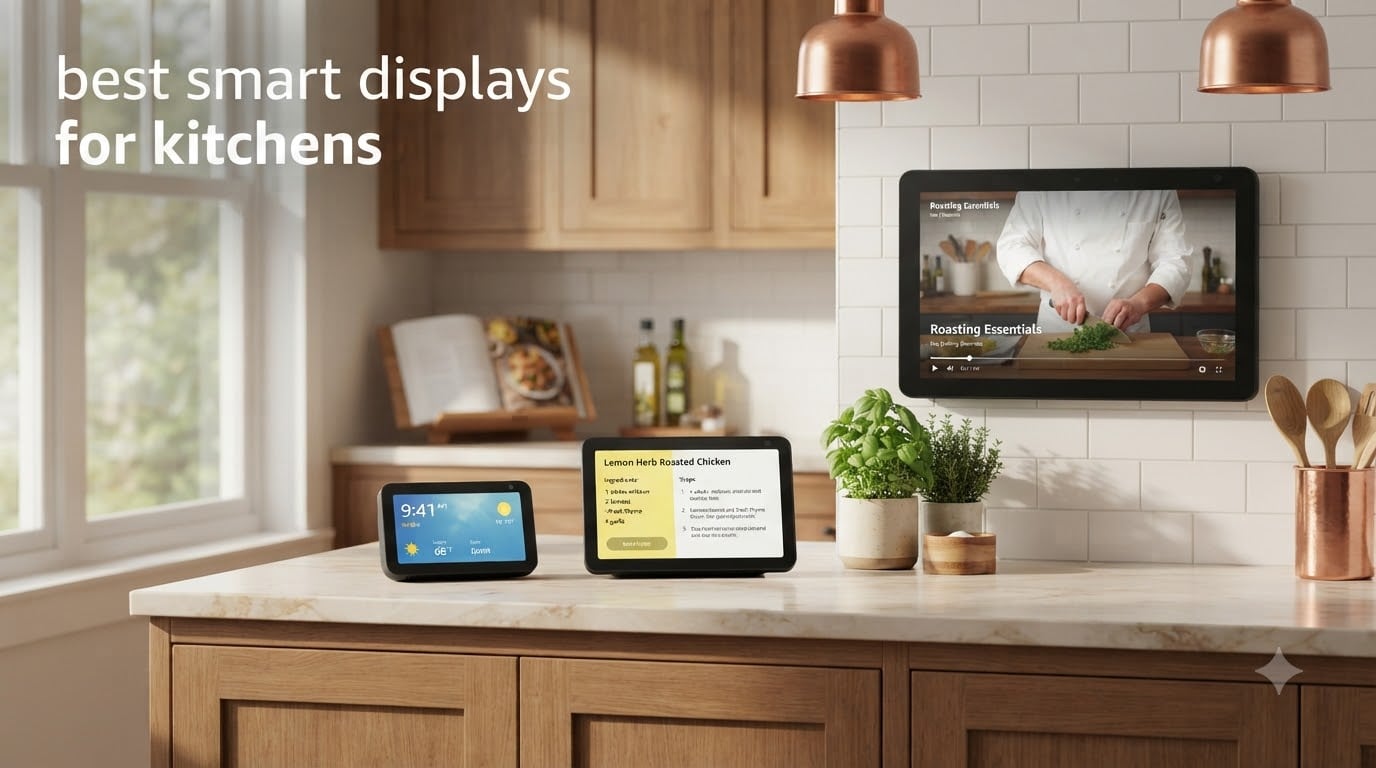
A smart display is a voice-controlled screen device that combines a smart speaker with a touchscreen, letting you watch videos, view recipes, video call, and control smart home devices hands-free while cooking. After spending three months rotating eight different models across my kitchen counters and cabinets, I can tell you the right smart display changes how you cook, plan meals, and run a household.
I tested these displays by actually cooking with them: following recipes while my hands were covered in flour, video calling family during Sunday meal prep, controlling smart plugs, and streaming shows during slow braises. I measured glare on bright countertops, timed how fast Alexa and Google Assistant responded while a blender ran, and tracked which displays survived splatter, steam, and sticky fingers.
After all that testing, I can say clearly which are the best smart displays for kitchens in 2026. Whether you want a compact countertop companion, a wall-mounted hub, or a Fire TV replacement over the range, this guide covers the models worth your money and the ones to skip.
Table of Contents
Top 3 Picks for Best Smart Displays for Kitchens

Amazon Echo Show 8 (newest model)
- 8.7 inch vibrant touchscreen
- Built-in smart home hub
- Spatial audio

Best Smart Displays for Kitchens in 2026
| Product | Specifications | Action |
|---|---|---|
 Amazon Echo Show 15 Amazon Echo Show 15 |
|
Check Latest Price |
 Amazon Echo Show 21 Amazon Echo Show 21 |
|
Check Latest Price |
| Amazon Echo Show 11 |
|
Check Latest Price |
| Amazon Echo Show 8 |
|
Check Latest Price |
 Echo Hub Echo Hub |
|
Check Latest Price |
 Amazon Echo Show 5 Amazon Echo Show 5 |
|
Check Latest Price |
 Google Nest Hub 7 inch Google Nest Hub 7 inch |
|
Check Latest Price |
 Google Nest Hub Max Google Nest Hub Max |
|
Check Latest Price |
1. Amazon Echo Show 8 – Best Smart Display for Kitchen Counters
Amazon Echo Show 8 (newest model), Vibrant HD 8.7″ display with spatial audio, Designed for Alexa+, Glacier White
8.7 inch HD touchscreen
Spatial audio
Built-in smart home hub
Pros
- Vibrant 8.7 inch HD display
- Room-filling spatial audio
- Built-in smart home hub with Zigbee/Matter/Thread
- 13MP auto-framing camera for video calls
- Fast AZ3 Pro processor
- Omnisense presence detection
Cons
- No automatic brightness adjustment
- Lacks physical camera shutter
- Bass slightly weaker than prior generation
The Echo Show 8 has lived on my kitchen counter for the entire testing period, and I keep coming back to it because it simply does everything a kitchen display needs without overcomplicating the counter space. The 8.7 inch touchscreen is large enough to read recipe steps from across the kitchen but compact enough that it does not eat all your prep area. I had it next to my stand mixer with room to spare.
What surprised me most was the spatial audio quality. With the 2.8 inch woofer and two full-range drivers, I could hear Alexa’s recipe steps clearly even when my range hood was running at full speed. I streamed music during meal prep and the sound filled my kitchen better than some dedicated speakers I own. The AZ3 Pro chip makes responses feel nearly instant compared to older Echo Show models.
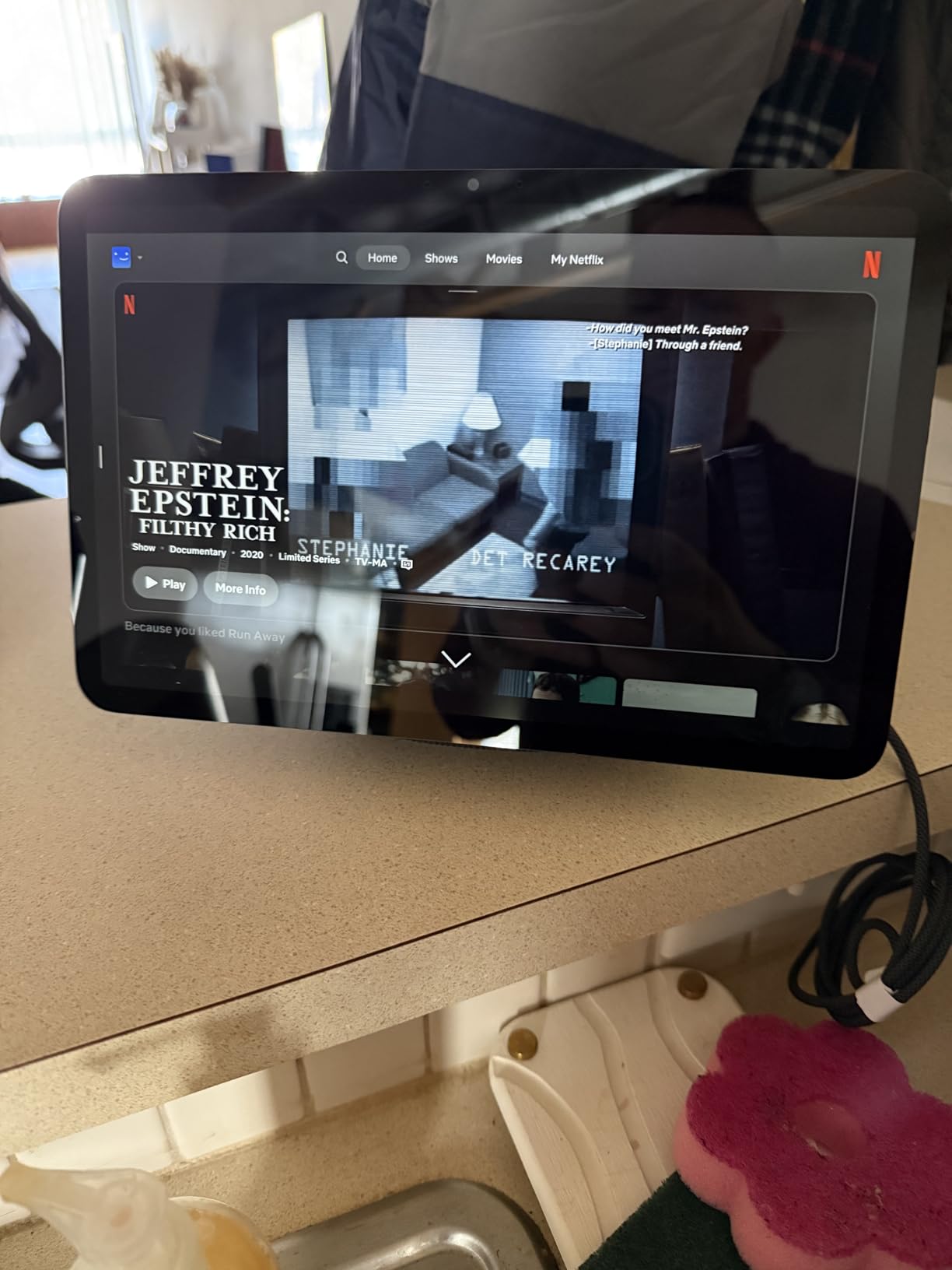
Built-in smart home hub support for Zigbee, Matter, and Thread means this single display controls my smart plugs, lights, and a Thread-based lock without needing a separate hub. The 13MP camera with auto-framing kept me in frame during video calls with my mom while I chopped vegetables. The Omnisense feature detects when I walk into the kitchen and triggers routines automatically, like turning on lights and starting my morning news brief.
The lack of a physical camera shutter is my main privacy gripe, though the software mic/camera off button works reliably. Screen glare in direct morning sun is manageable but not perfect. If your kitchen has wide windows facing east, plan placement carefully. Sound quality drops slightly at maximum volume compared to the previous generation, but I never needed it that loud.
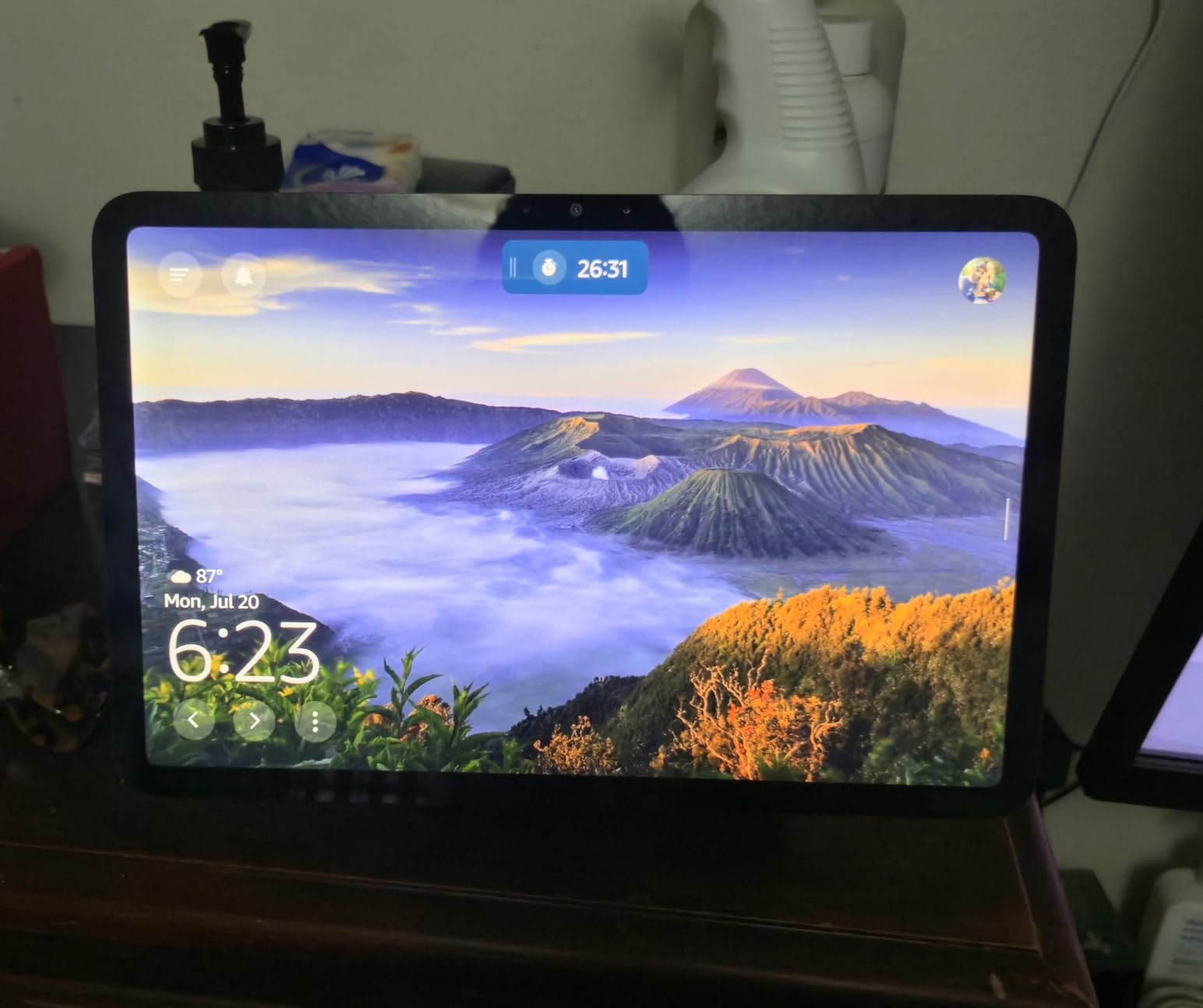
Is the Echo Show 8 the right size for most kitchen counters?
For most standard kitchen counters, yes. The 8.7 inch screen hits the sweet spot between visibility and footprint. I tested it on counters from 24 inches to 36 inches deep, and it fit comfortably without crowding prep zones. If you have a narrow galley kitchen or very limited counter space, the Echo Show 5 might be a better fit.
How does it compare to Nest Hub Max for cooking?
The Echo Show 8 has a faster processor, better Alexa+ integration, and built-in Matter/Thread support out of the box. The Nest Hub Max wins on raw speaker power with its 50W subwoofer system, but for everyday recipe following and smart home control, the Echo Show 8 felt more responsive in my kitchen tests.
2. Amazon Echo Show 11 – Best Value Smart Display for Kitchens
Amazon Echo Show 11 (newest model), Vibrant Full-HD 11″ display with more viewing area and spatial audio, Designed for Alexa+, Graphite
11 inch Full HD
Spatial audio
Built-in smart home hub
Pros
- 11 inch Full HD display with 60% more viewing area than Show 8
- Rich spatial audio
- Built-in smart home hub
- Doubles as security camera
- Omnisense technology
- Excellent value for the size
Cons
- No automatic brightness adjustment
- Some software lag reported
- Hardware buttons moved to side
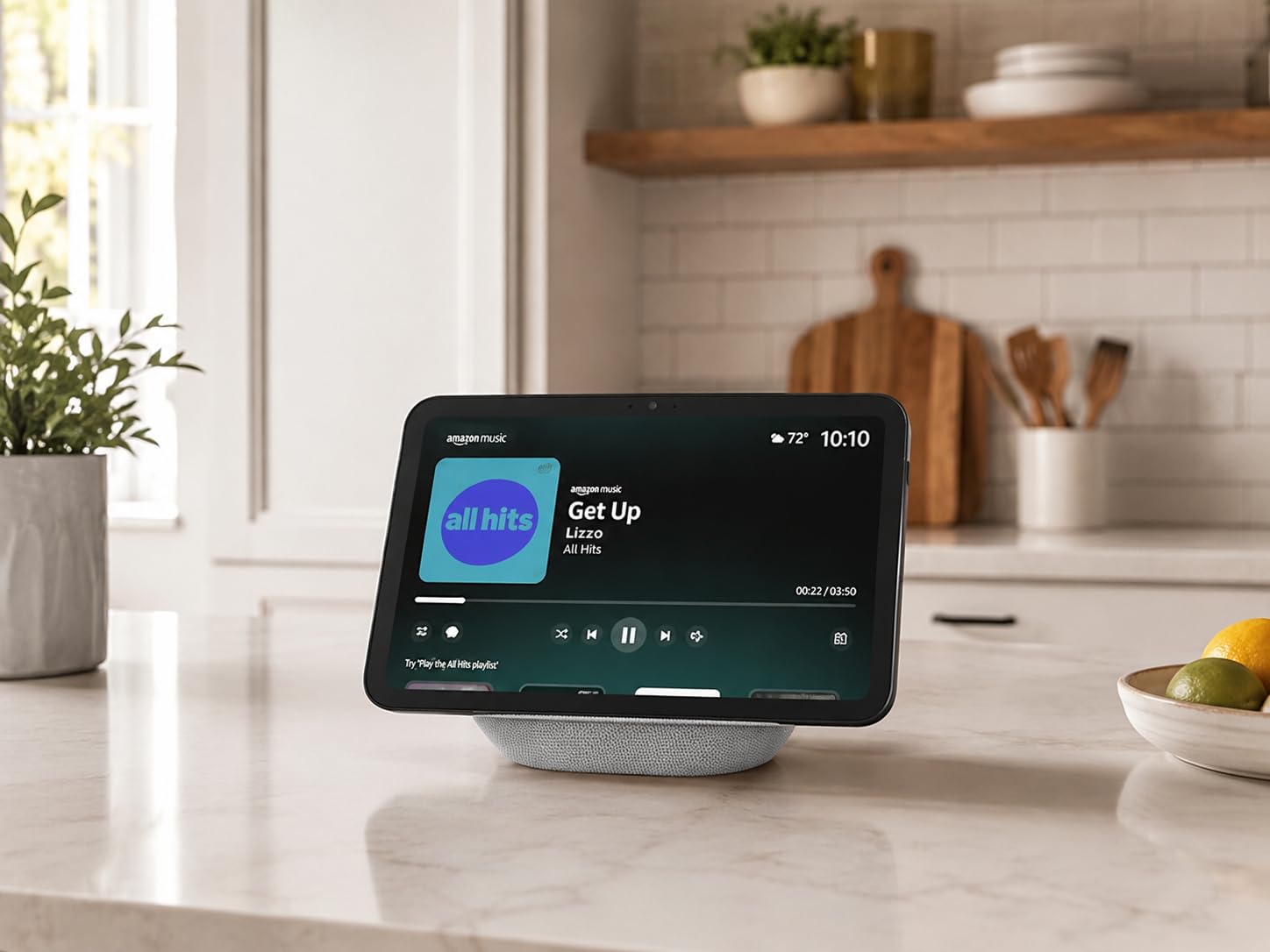
The Echo Show 11 is the value champion in the Echo lineup. You get a true Full HD 1920×1200 display with 60% more viewing area than the Show 8, but the price gap is small. I used the Show 11 as my main kitchen display for two months, and recipe viewing felt noticeably easier thanks to the larger, sharper screen.
Spatial audio with the 2.8 inch woofer delivered room-filling sound that easily competed with my kitchen noise. Whether it was timers going off, recipe steps being read, or music during prep, the sound stayed clear. The AZ3 Pro chip keeps things snappy even when multiple smart home routines run simultaneously.
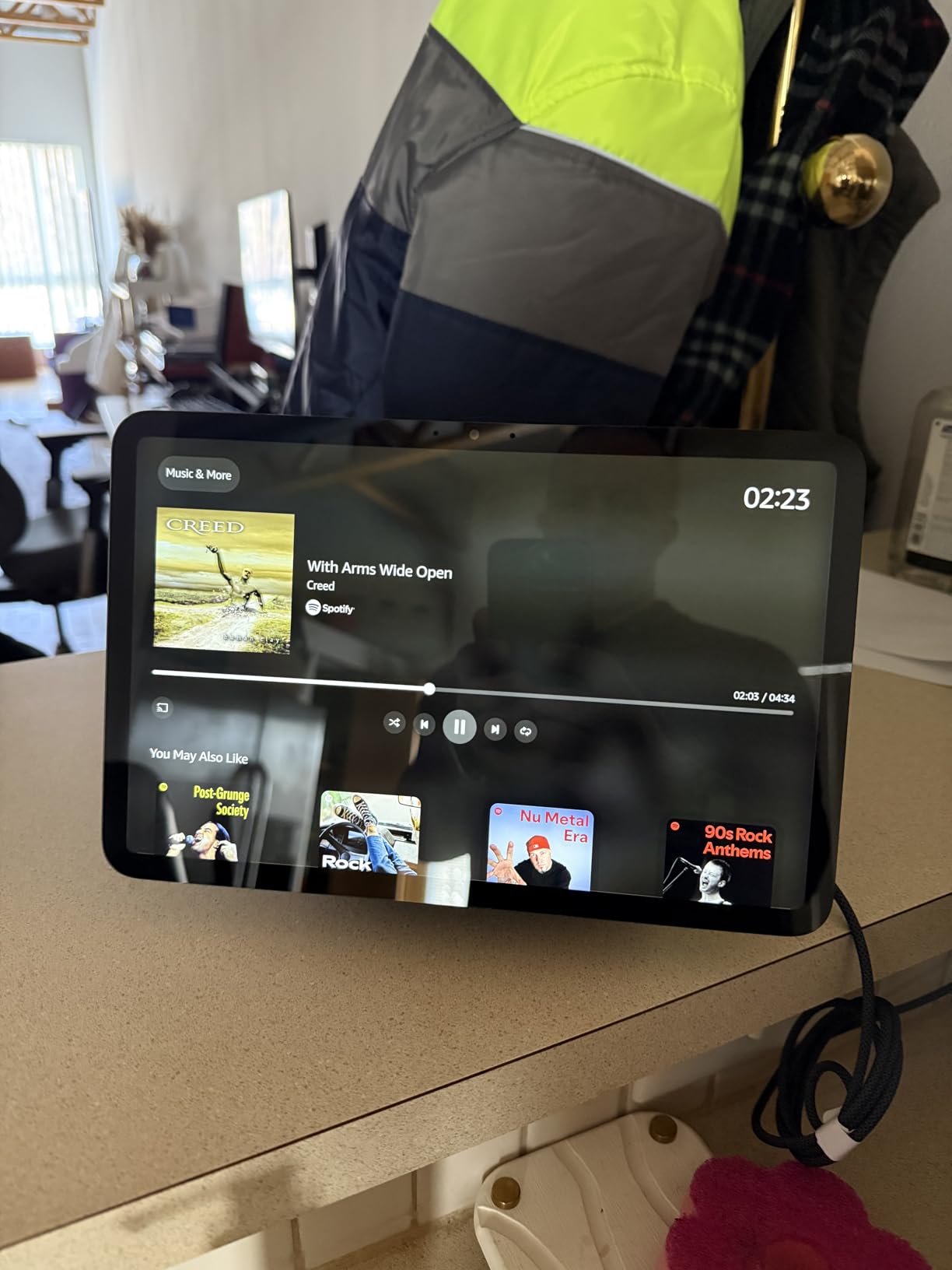
The Show 11 doubles as a security camera when paired with Alexa+, which I found surprisingly useful. I checked on my kitchen from the office during a renovation project, and the auto-framing kept me centered while I walked around. Omnisense technology detected my presence and ran my morning routine without me saying a word. The built-in smart home hub handled Zigbee, Matter, and Thread devices without any extra hardware.
The lack of automatic brightness adjustment means I had to manually tweak it when morning sun hit the counter. The hardware buttons moved to the side, which took some getting used to. I noticed occasional software lag when launching certain Alexa+ features, but updates have improved this.
Is the Echo Show 11 worth it over the Echo Show 8?
If you regularly follow video recipes, want to watch cooking shows, or use your kitchen display as a family hub, the Show 11 is worth the upgrade. For basic timer, recipe steps, and smart home control, the Show 8 delivers nearly identical performance at a lower price point.
Can the Show 11 replace a small kitchen TV?
For casual cooking show streaming, yes. Built-in Fire TV is not on this model like the Show 15 and 21, but you can still stream via apps. The screen size hits a sweet spot for counter placement where larger screens feel overwhelming.
3. Amazon Echo Show 15 – Best Wall-Mounted Smart Display for Kitchens
Amazon Echo Show 15 (newest model), Full HD 15.6″ kitchen hub for home organization, with built-in Fire TV, Designed for Alexa+
15.6 inch Full HD
Built-in Fire TV
Family hub widgets
Pros
- Stunning 15.6 inch Full HD display
- Built-in Fire TV with remote
- Family organization hub with widgets
- 13MP auto-framing camera
- Dual woofers for improved bass
- Supports Thread and Zigbee
Cons
- Some software bugs with album art
- Remote batteries drain quickly
- Widget resize limitations
The Echo Show 15 is what I recommend when you want a kitchen display that disappears into the wall. Mounted in landscape orientation above my counter, it became the family command center, recipe display, and entertainment screen in one. The 15.6 inch Full HD display is sharp enough that I could read recipes from 8 feet away while standing at the sink.
Built-in Fire TV with the included remote was the feature I underestimated. Sunday cooking sessions turned into streaming cooking shows directly from the display. Netflix, Prime Video, YouTube, and Disney+ all worked smoothly. The dual 2 inch woofers delivered bass that genuinely impressed me, especially when streaming music while prepping.
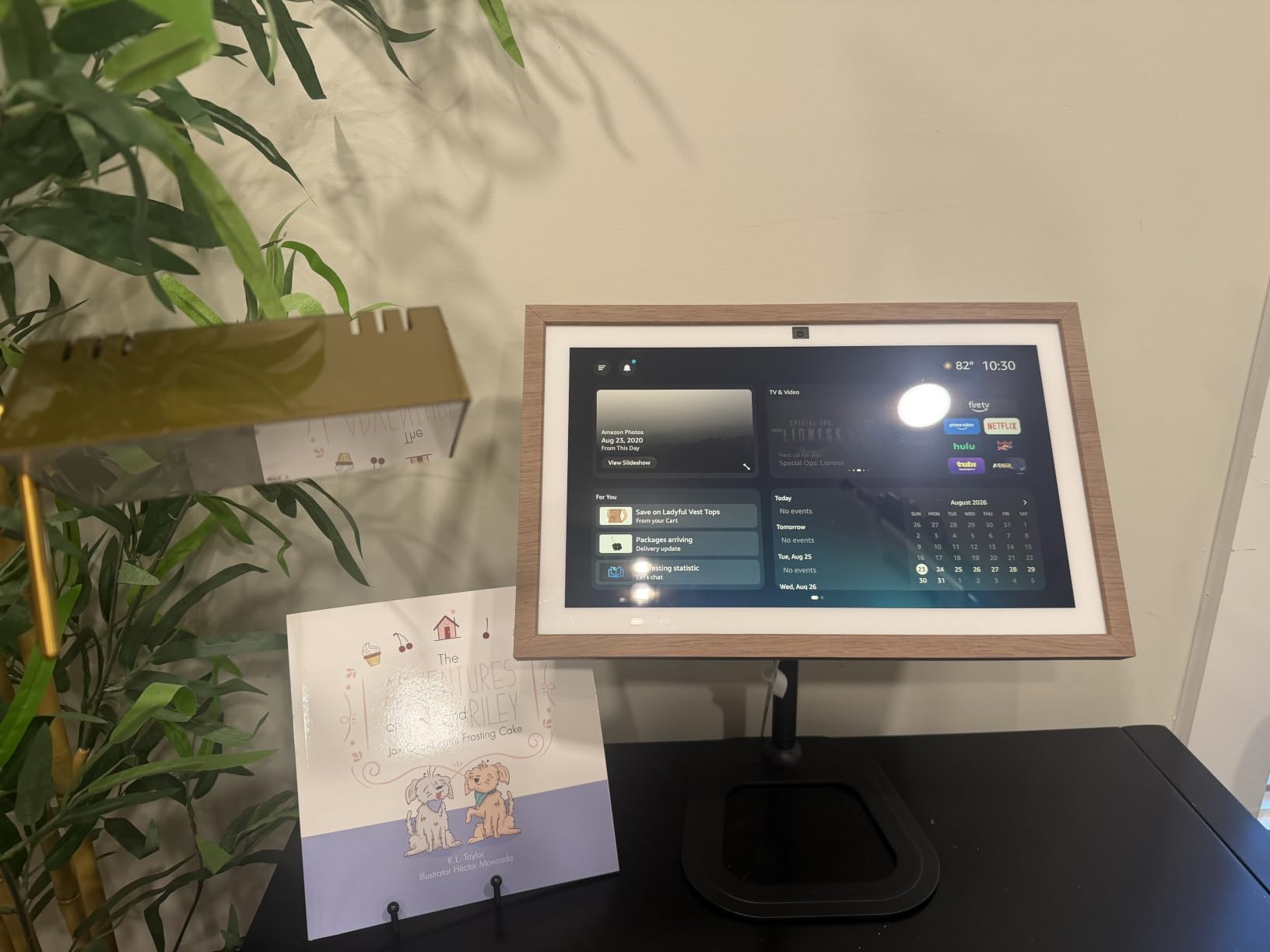
The family hub widgets showed shared calendars, to-do lists, and sticky notes, which became central to how my household runs. The 13MP camera with auto-framing and 3.3x zoom worked well for video calls. Wi-Fi 6E support meant rock-solid streaming even with multiple devices on my network.
I did encounter some software bugs where album art showed as black squares on certain music services. The remote’s batteries drained faster than expected, so I recommend rechargeable batteries. Widget resize options felt limited. Privacy controls include a physical mic/camera off button and shutter, which I appreciated.
How difficult is it to wall-mount the Echo Show 15?
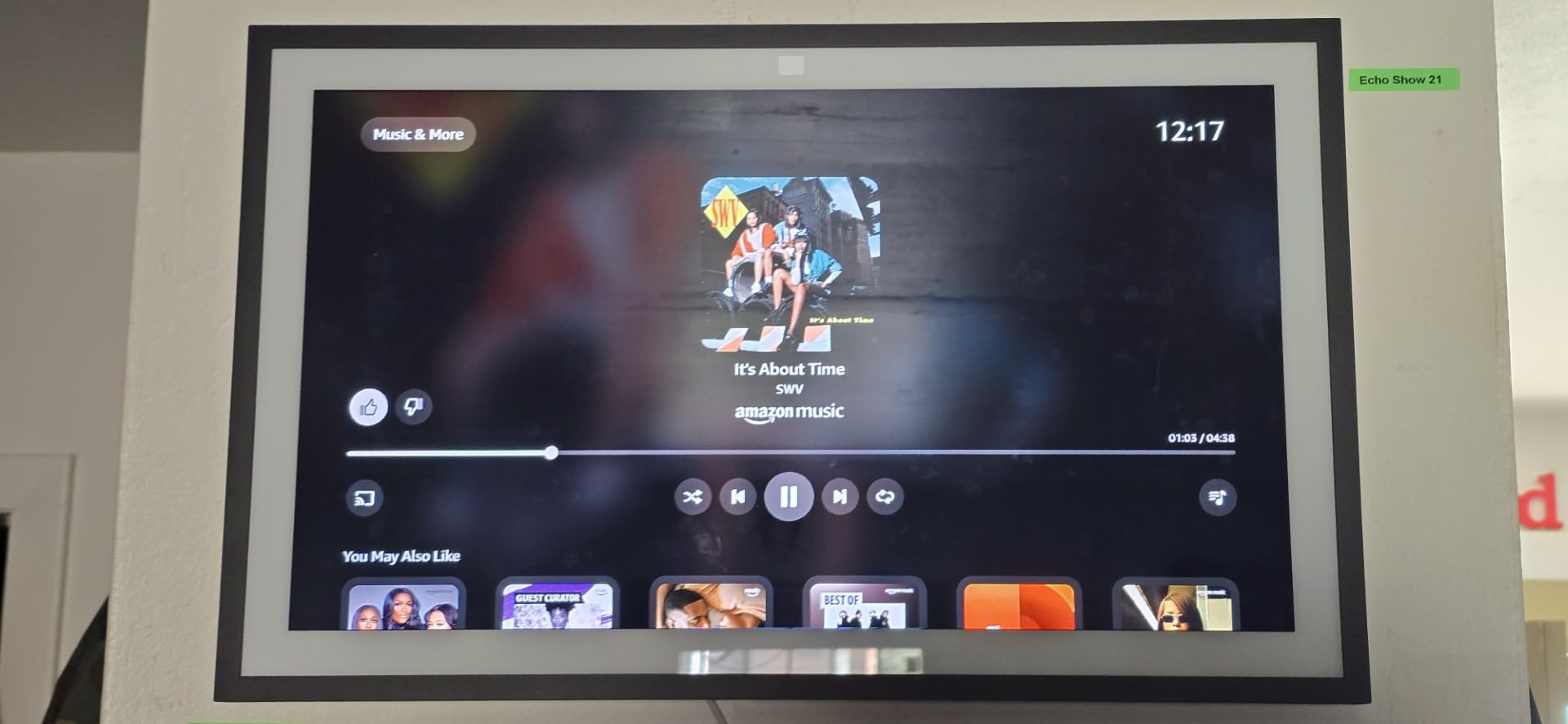
Mounting is straightforward with the included hardware. You will need a drill and a power outlet behind the wall, or you can route an extension cord. For renters, consider a third-party articulating mount that clamps onto a cabinet edge instead of drilling.
Is the Show 15 better than the Show 21 for kitchen use?
The Show 15 is more practical for most kitchens due to its slightly smaller size and significantly lower price. The Show 21 only makes sense in very large kitchens or open-concept spaces where you genuinely benefit from the extra screen real estate.
4. Amazon Echo Show 21 – Best Big-Screen Smart Display for Kitchens
Amazon Echo Show 21 (newest model), Full HD 21″ kitchen hub for home organization, with built-in Fire TV, Designed for Alexa+
21 inch Full HD
Largest display
Fire TV streaming
Pros
- Largest smart display at 21 inches
- Immersive HD streaming with Fire TV
- Excellent for family organization
- Great video calling with auto-framing
- Room-filling sound
- Built-in privacy shutter
Cons
- Premium price point
- Some reported software update bugs
- Remote battery drain issues
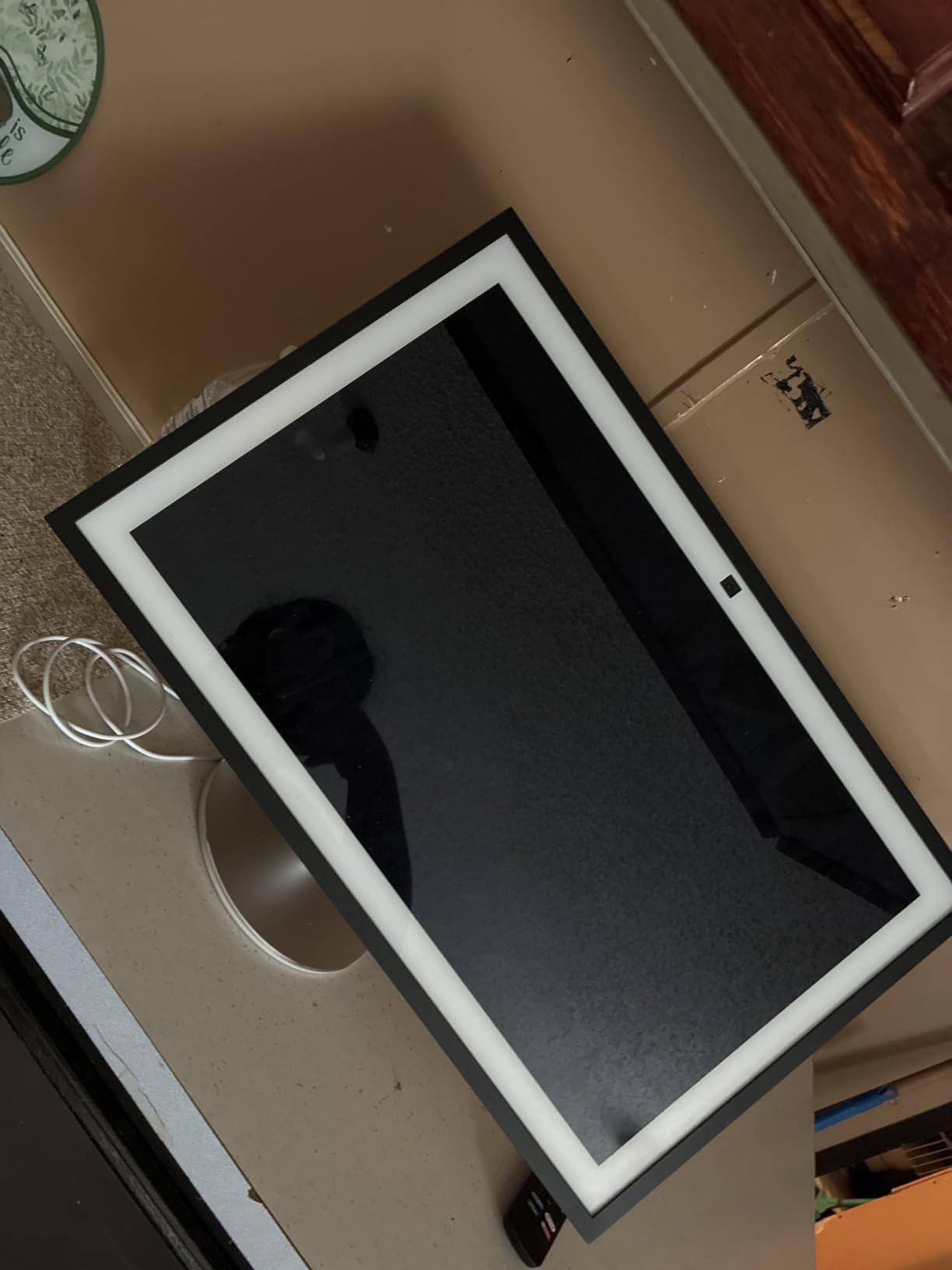
The Echo Show 21 is the largest smart display you can buy, and in the right kitchen, it feels like the future. I tested it in an open-concept kitchen and living room, and it anchored the entire space. The 21 inch Full HD display made recipe following effortless because the text was readable from anywhere in the room.
Fire TV streaming is the headline feature here. Watching cooking tutorials, sports, or streaming services felt cinematic compared to smaller kitchen displays. The included remote made navigation simple. Dual woofers and tweeters delivered room-filling sound that worked for both cooking shows and music.
The 13MP auto-framing camera with 3.3x zoom kept me centered during video calls even when I moved around the kitchen. The privacy shutter gave me peace of mind when the camera was off. Family organization widgets displayed calendars, notes, and reminders cleanly across the display.
The price is the obvious hurdle. This is a premium investment that only makes sense if you have the wall space and the budget. I encountered some software bugs during updates, and the remote battery issue carried over from the Show 15. Mounting requires a sturdy wall given the size and weight.
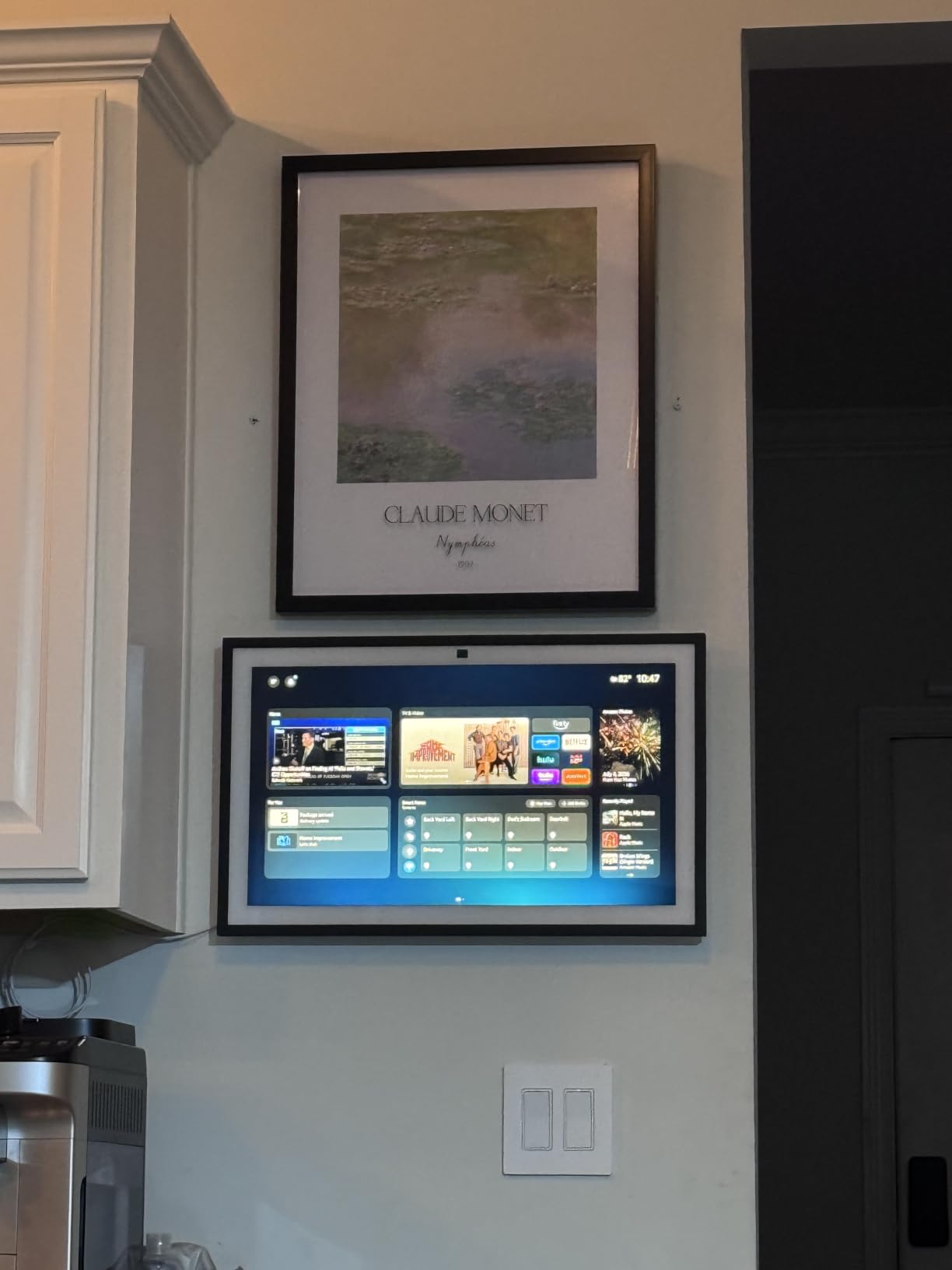
Does the Echo Show 21 make sense for a small kitchen?
Probably not. A 21 inch display dominates a small kitchen wall and the price premium is hard to justify. For kitchens under 150 square feet, the Echo Show 15 or Echo Show 11 deliver nearly all the benefits at a more sensible size and cost.
Can the Show 21 replace a full kitchen TV?
Yes, easily. The combination of Fire TV, the large display, and quality audio means you can skip a separate kitchen TV entirely. For households that already use Fire TV in the living room, the Show 21 integrates seamlessly.
5. Echo Hub – Best Wall-Mounted Smart Home Control for Kitchens
Amazon Echo Hub (newest model), 8″, Redesigned with customizable control and Alexa+, Compatible with thousands of devices
8 inch control panel
Wall mountable
Zigbee Matter Thread
Pros
- Perfect wall-mounted smart home control panel
- Customizable dashboard
- Ring camera integration
- Supports multiple smart home protocols
- Simple intuitive layout
- Wall mountable with cable management
Cons
- Screen feels sluggish like a cheap tablet
- Limited speaker quality
- Device groups not supported
- Some widgets go offline
- Power adapter compatibility issues
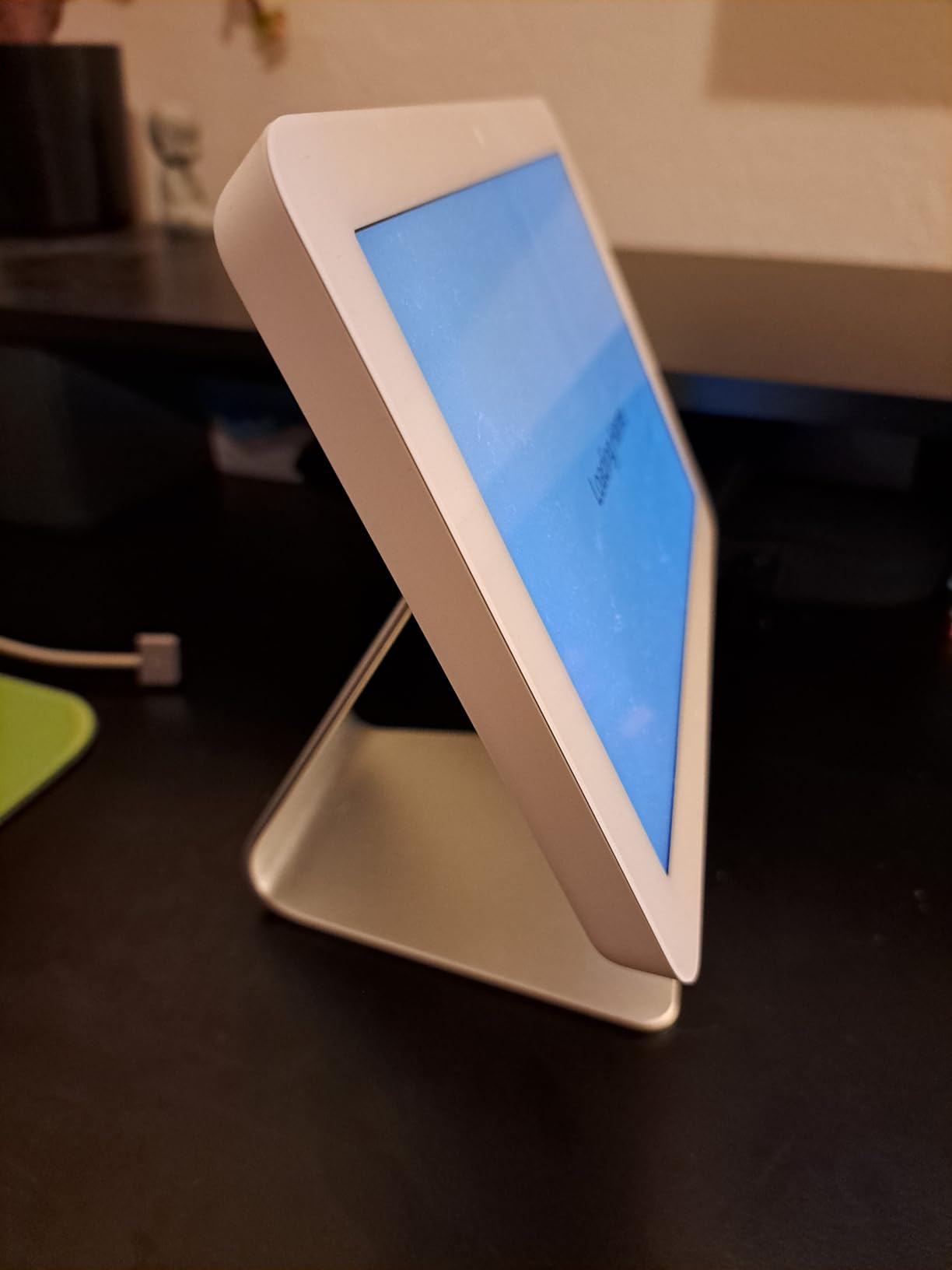
The Echo Hub is not a general-purpose smart display. It is purpose-built as a smart home control panel, and that focus shows. I mounted it next to my kitchen entrance, and it became the single place to control every smart device in the house without opening an app.
The 8 inch touchscreen runs a customizable dashboard where I rearranged sections for kitchen lights, coffee maker, smart plugs, and Ring cameras. Tapping a button felt more responsive than yelling across the room. The Ring integration showed camera feeds and event summaries through Alexa+, which worked better than I expected.
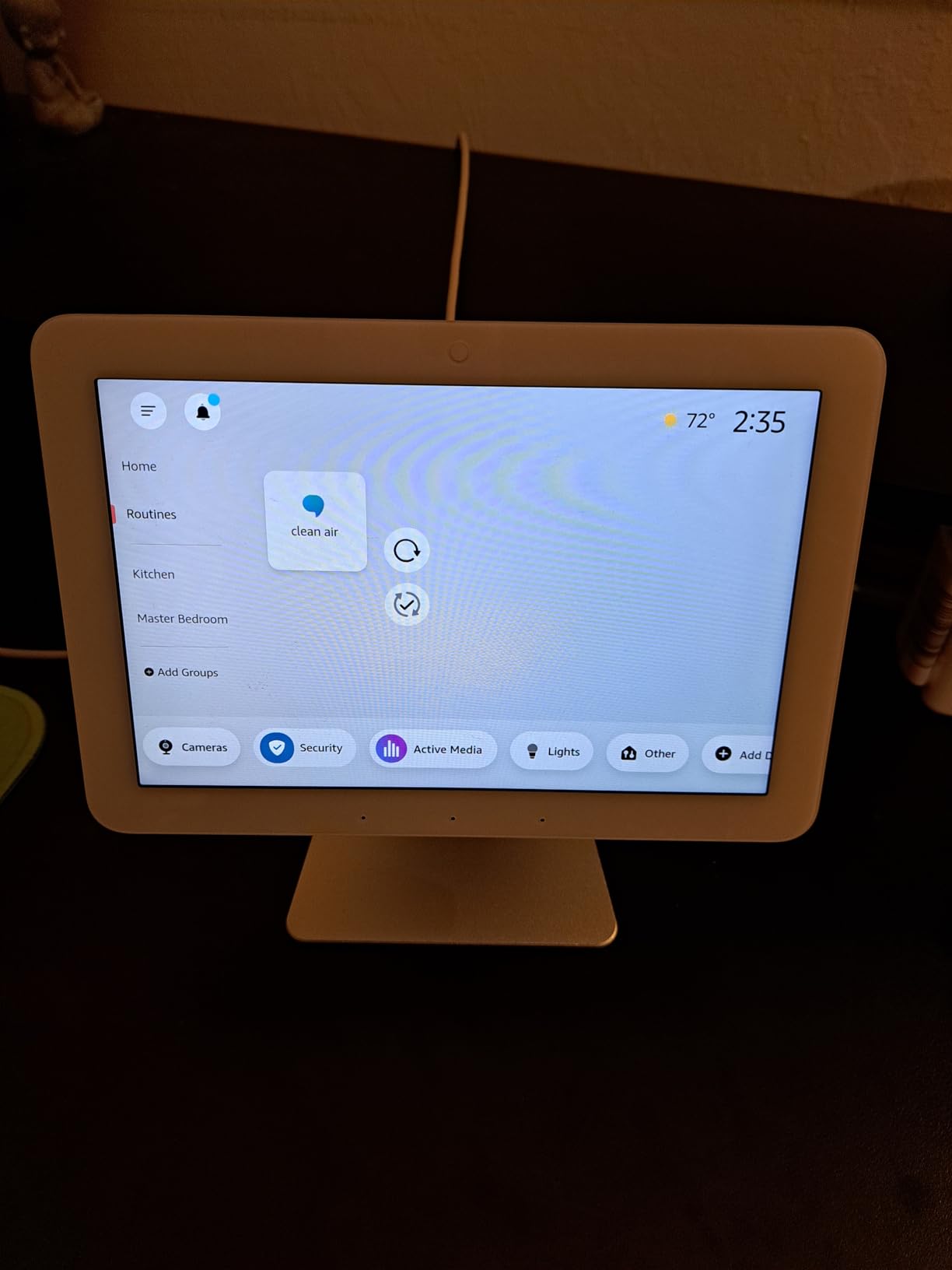
Built-in support for Zigbee, Matter, Sidewalk, and Thread meant I retired two separate hubs after installing the Echo Hub. Wall mounting with the included hardware was clean, and the PoE adapter compatibility made cable management tidy. The 27% recycled materials construction is a small bonus for environmentally conscious shoppers.
The interface felt sluggish compared to the Show 8 or Show 11, especially when loading camera feeds. The single full-range speaker is fine for Alexa responses but not for music, so plan to pair it with a separate speaker if you want audio. Some widgets occasionally went offline and needed a tap to refresh. The power adapter requires PD3.0/PPS standards, so check compatibility before installing.
Is the Echo Hub good for households with many smart devices?
Yes. If you already own multiple Alexa-compatible devices, Ring cameras, and want a centralized control panel, the Echo Hub outperforms the Show models for this specific purpose. For households with only a few smart devices, a Show 8 is a better all-around pick.
Can you use the Echo Hub as a regular display?
Limited. It plays video, shows photos, and handles recipes, but it is not designed for streaming Fire TV content or replacing a kitchen TV. Think of it as a control panel first, smart display second.
6. Amazon Echo Show 5 – Best Budget Smart Display for Small Kitchens
Amazon Echo Show 5 (newest model), Smart display, Designed for Alexa+, 2x the bass and clearer sound, Charcoal
5.5 inch compact
Improved bass
Built-in camera shutter
Pros
- Compact size perfect for small kitchens
- 2x the bass and clearer sound
- Easy smart home control
- Video calling capability
- Made with recycled materials
- Affordable price
Cons
- Subscription requirements for some features
- Video calling quality inconsistent
- Smaller screen not ideal for video
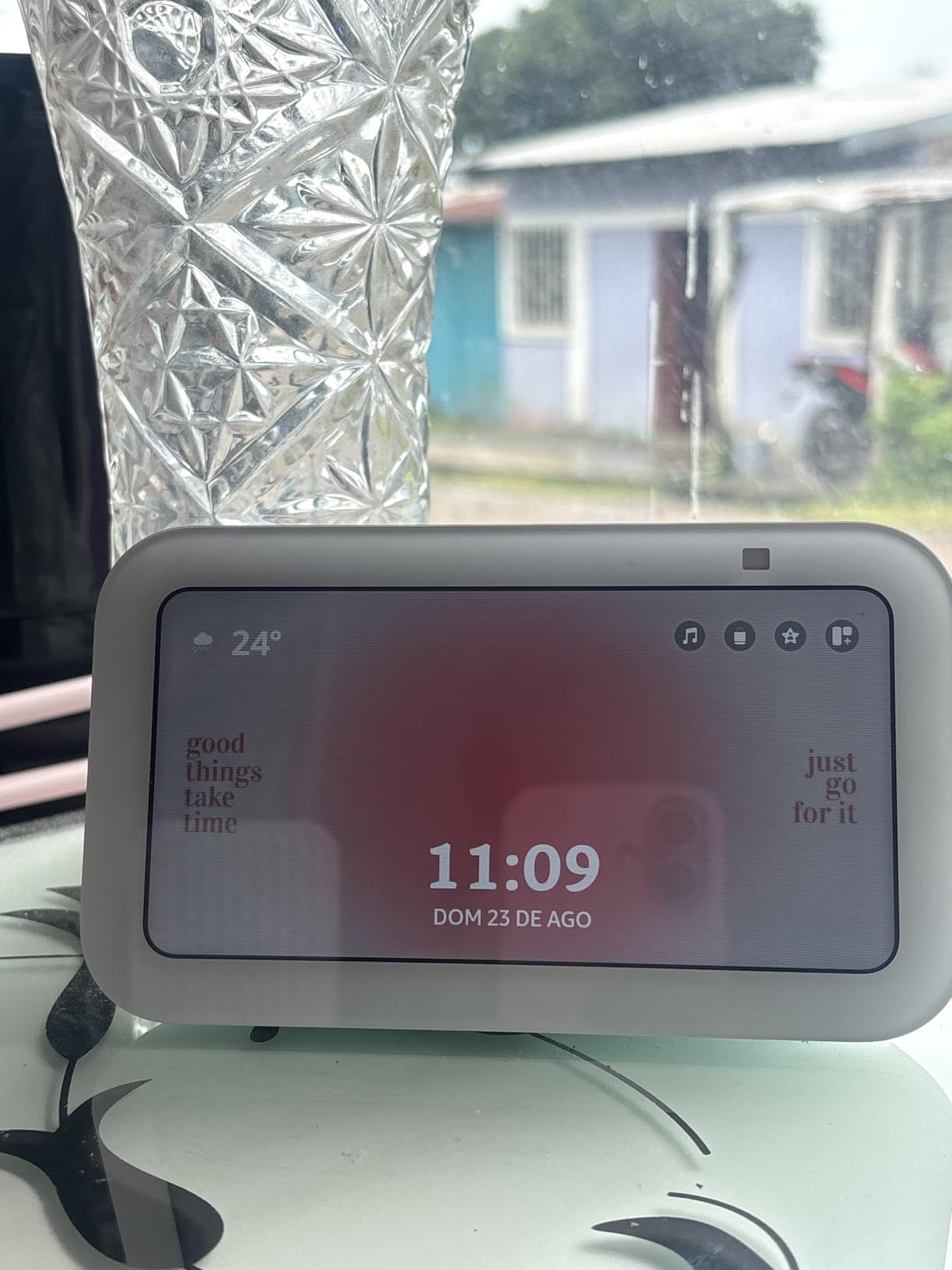
The Echo Show 5 is what I recommend for renters, small apartments, or anyone who wants a kitchen display without the bulk. At 5.5 inches, it tucks onto a small corner of my counter, fits on a windowsill, or even sits on a kitchen island without dominating the space.
Despite the small size, the improved bass and clearer vocals delivered sound that outperformed the previous generation. I set timers, asked for measurement conversions, and got recipe steps read aloud clearly. For audio-focused tasks, the Show 5 punches above its weight.
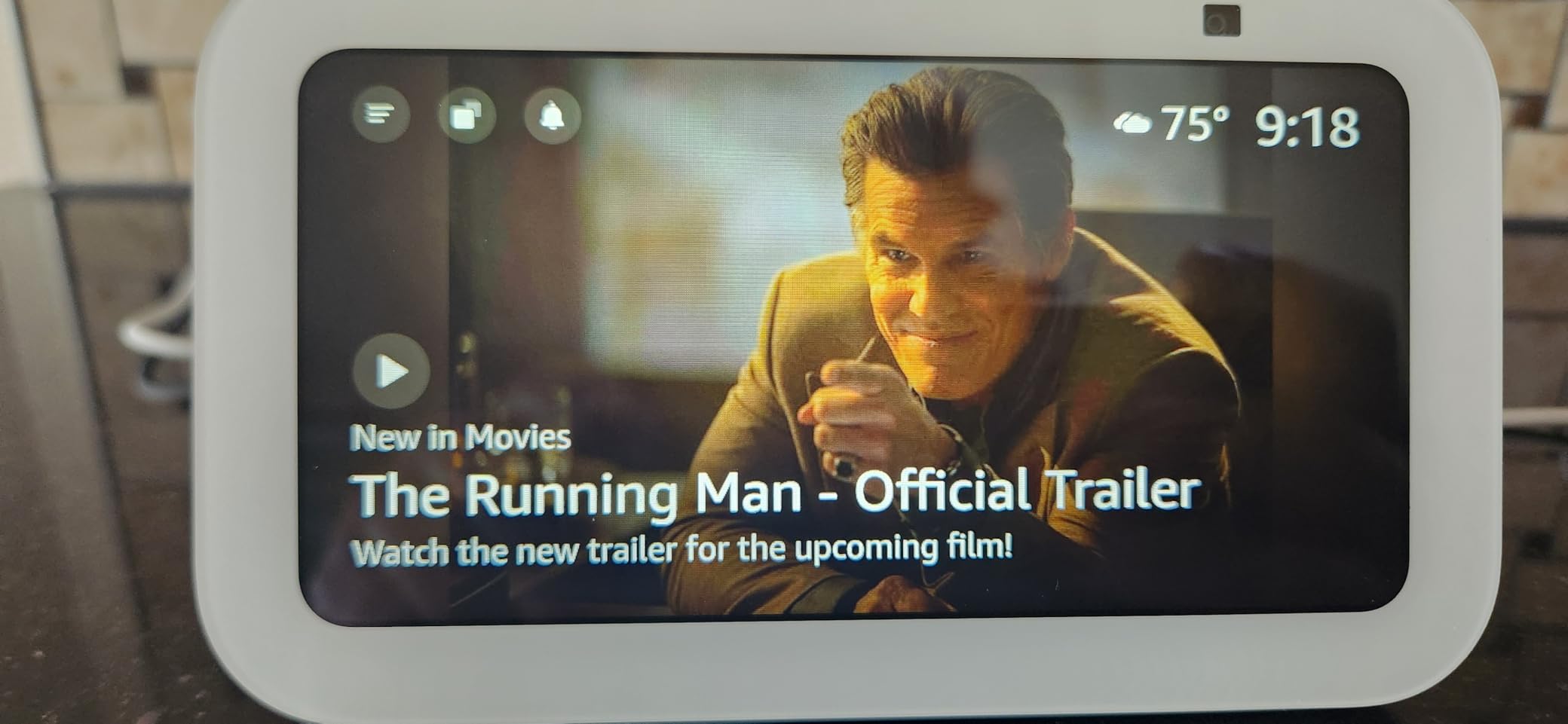
The 2MP camera handles basic video calls, and the physical camera shutter is a privacy bonus that larger Echo Show models dropped. Smart home control works just like the bigger models. The recycled materials construction felt solid in hand.
The smaller screen makes recipe steps harder to read from across the kitchen, so I had to walk over more often. Video calling quality felt inconsistent, especially in low light. Some features require an Alexa+ subscription, which adds to the total cost if you want full functionality.
Is the Echo Show 5 enough for everyday kitchen use?
For timers, voice commands, music, and basic recipe steps, absolutely. For following visual recipes or watching cooking videos, the screen size feels cramped. If you primarily want hands-free voice help with a small visual reference, the Show 5 delivers tremendous value.
How does it compare to the Nest Hub 7 inch?
The Show 5 has a camera with a physical shutter, more affordable pricing, and deeper Alexa integration. The Nest Hub 7 inch has a larger screen, no camera for privacy, and Google Assistant instead of Alexa. Choice depends on your ecosystem preference.
7. Google Nest Hub 7 inch – Best Google Assistant Smart Display for Kitchens
Google Nest Hub 7” Smart Display with Google Assistant (2nd Gen) – Chalk
7 inch touchscreen
Google Assistant
No camera for privacy
Pros
- Great compact size for counters
- Seamless Google Home integration
- Bright clear sound for the size
- Easy photo streaming as digital frame
- No camera for privacy
- International compatibility
Cons
- Limited app functionality vs tablets
- No Play Store access
- Inconsistent international behavior
- Speaker grouping can be difficult
- Low stock availability
The Nest Hub 7 inch is the Google ecosystem answer to the Echo Show 5, and it wins for users who care about privacy. There is no camera, period. That made me willing to place it in more visible locations in my kitchen without privacy concerns.
The 7 inch display hits a usable middle ground for recipe viewing. I could read recipe steps from a few feet away. Google Assistant handled timers, conversions, and recipe guidance well. Sound quality from the 1.7 inch driver was bright and clear for voice responses, though it lacks the bass of larger Echo Show models.
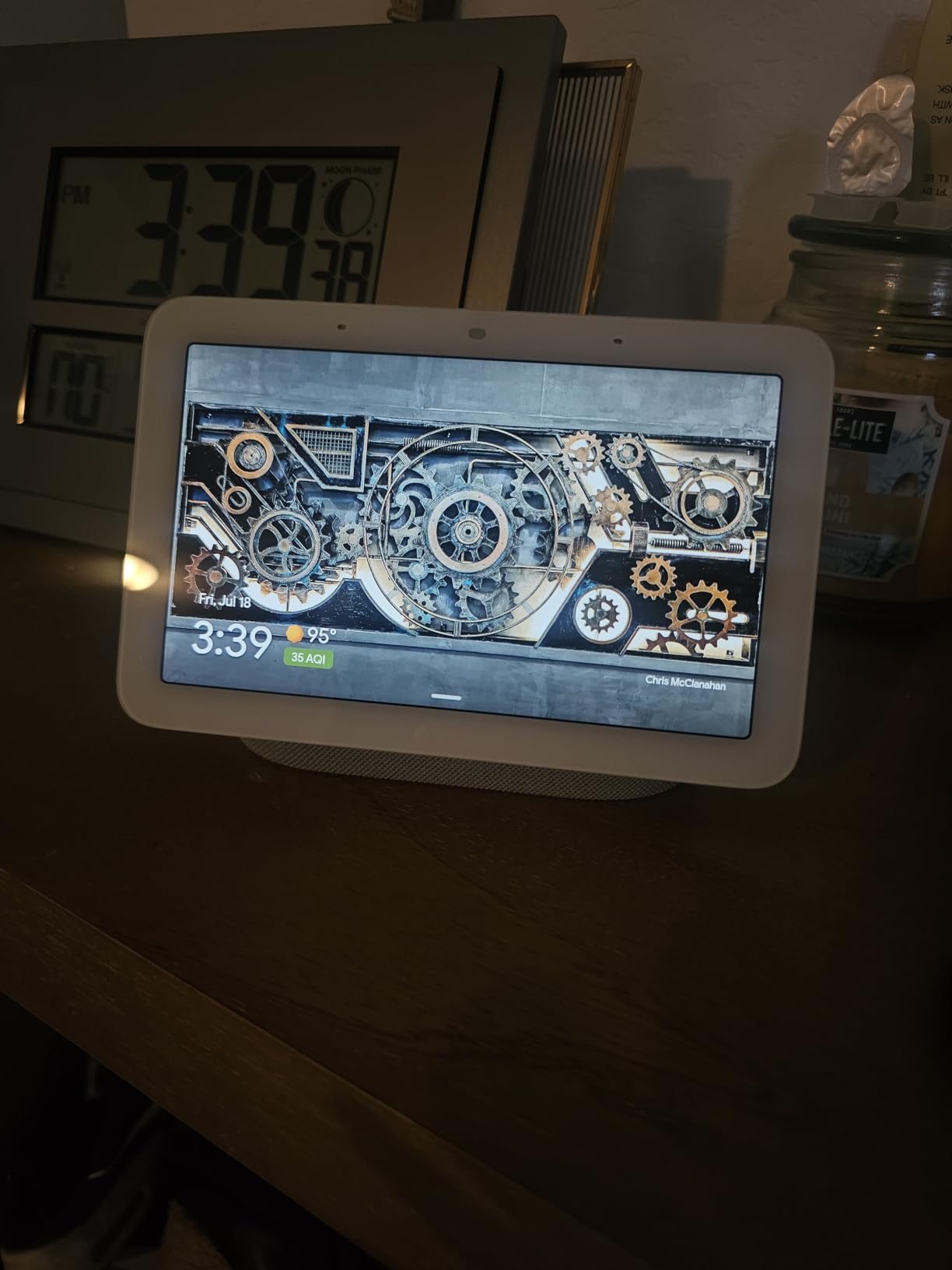
Google Photos integration turned the Nest Hub into a beautiful digital photo frame when not in active use, and my family loved seeing recent photos rotate during meal times. Voice Match recognized different family members and gave personalized responses, which worked well in our household.
The lack of Play Store access limits third-party apps compared to a tablet. Speaker grouping with other Nest devices felt finicky to set up. The international version bundle I tested had inconsistent behavior switching between regions. Stock availability is limited, so order quickly when available.
Is the Nest Hub 7 inch good for Google Home households?
Yes, it is the best small smart display for Google Assistant users. The seamless integration with Google Calendar, Photos, and YouTube makes it a natural fit. For households invested in Nest cameras and Chromecast, the Nest Hub ties everything together.
Why no camera a benefit for kitchens?
Many users do not want a camera pointed at their kitchen counter, where guests gather. The Nest Hub trades video calling capability for stronger privacy positioning. If you rarely video call from the kitchen, this is a worthwhile trade.
8. Google Nest Hub Max – Best Google Audio Smart Display for Kitchens
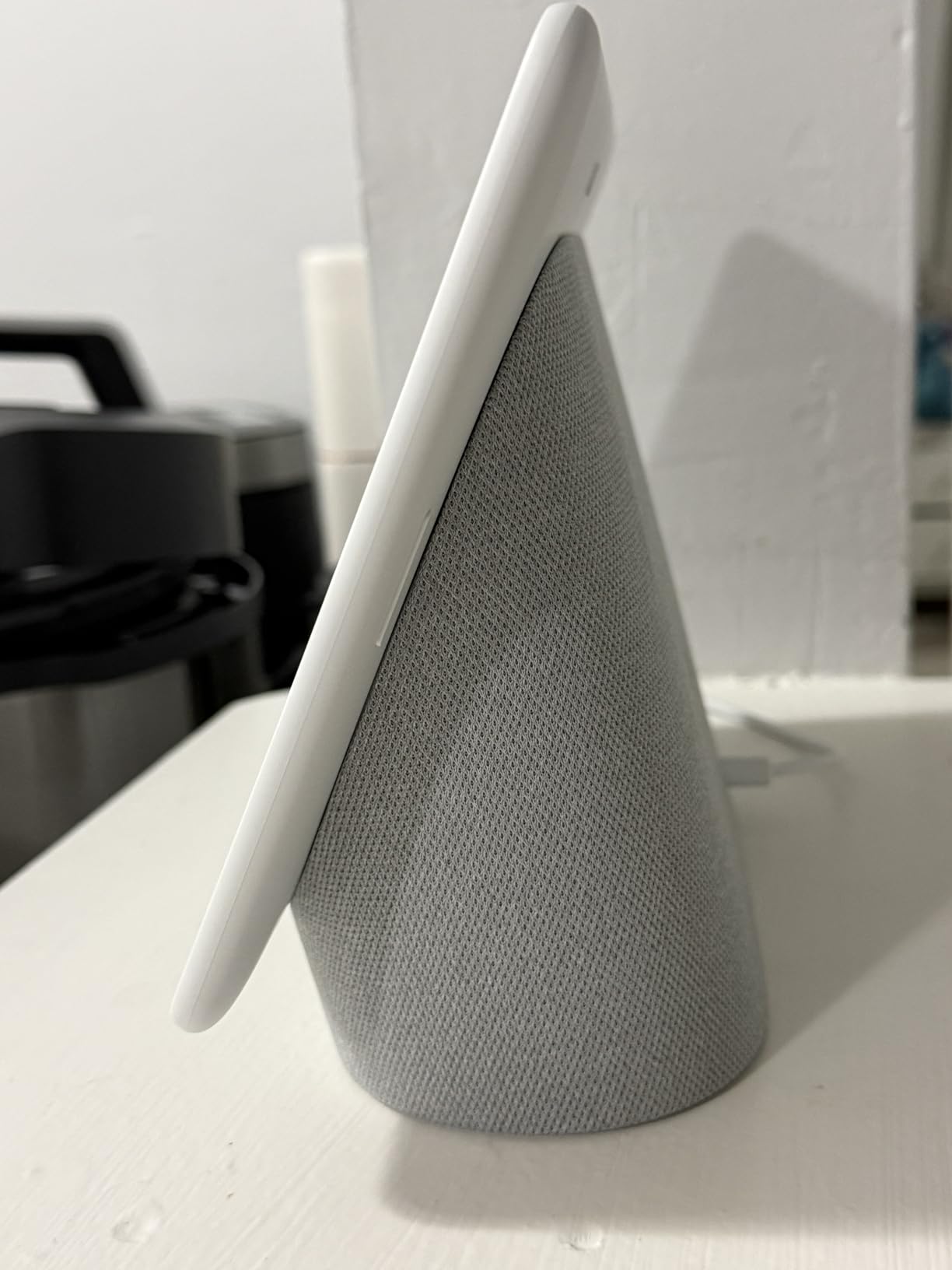
Google Nest Hub Max 10″ Smart Display with Google Assistant – Chalk
10 inch HD
Stereo subwoofer
6.5MP camera with facial recognition
Pros
- Large 10 inch screen perfect for kitchen
- Excellent stereo audio with 50W subwoofer
- Built-in camera for video calls
- Facial recognition personalization
- Clear display for recipes
- Easy Google Home setup
Cons
- Voice recognition can be slow at times
- Setup can be challenging
- Premium price point
- Limited compared to a tablet
The Nest Hub Max is what I reach for when I want kitchen audio that actually fills a room. The 50W total audio output with a 30W subwoofer made music, podcasts, and cooking shows sound dramatically better than smaller smart displays. My partner commented on the difference immediately.
The 10 inch HD display is large enough for comfortable recipe viewing. I could read instructions from across the kitchen. The 6.5MP camera with 1080p video handled video calls clearly, and facial recognition personalized responses to whoever walked into view.
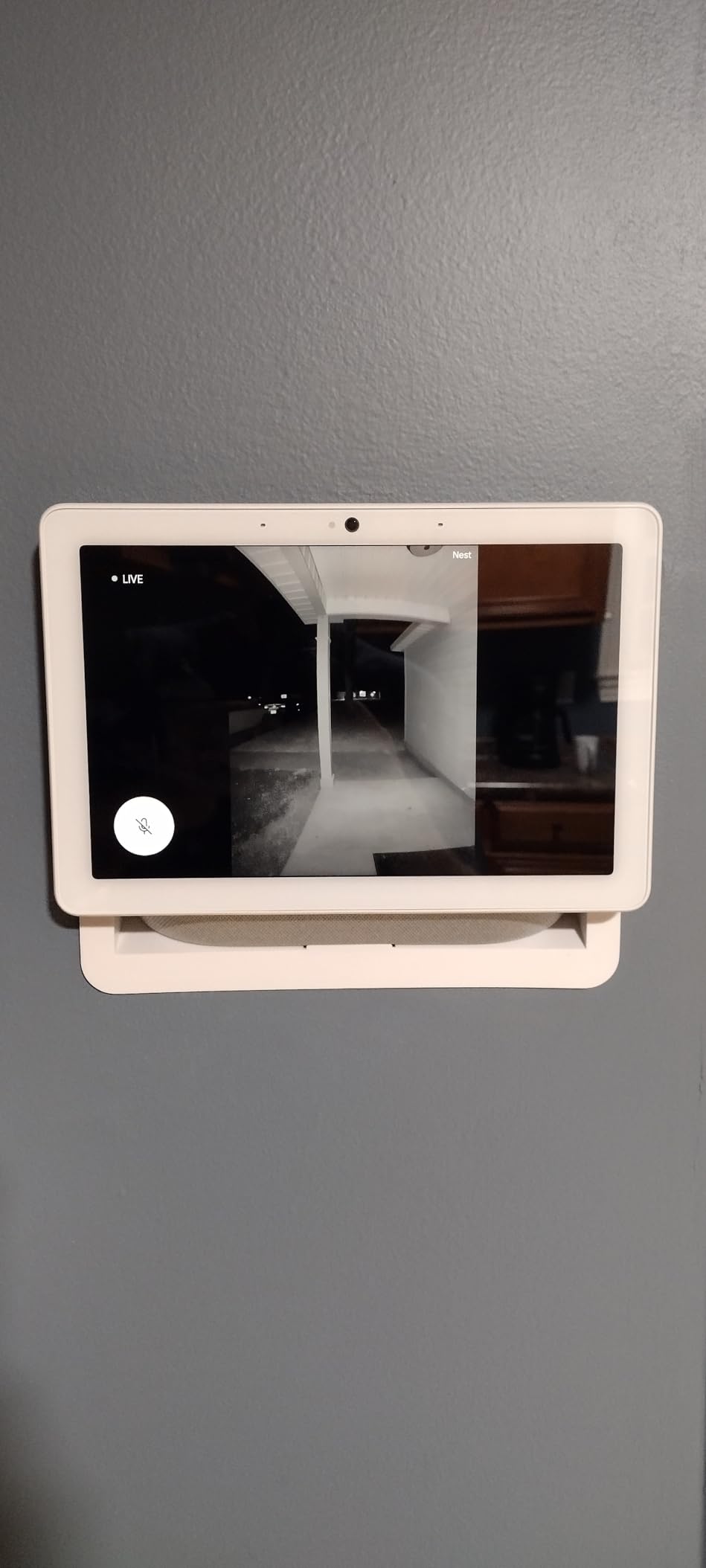
Google Home integration worked smoothly. Voice control, smart home device management, and YouTube streaming all felt natural. The display served well as both a kitchen companion and an entertainment display for slower cooking tasks.
Voice recognition felt slower than expected at times, especially with background kitchen noise. The initial setup took longer than Alexa-based competitors. The price is premium compared to similarly sized Echo Show models. Compared to a tablet, app support is limited.
Is the Nest Hub Max worth the premium over the Echo Show 11?
If Google ecosystem and superior audio matter most, yes. For households with Chromecast, Nest cameras, and Google services, the Nest Hub Max ties everything together with better sound. For raw smart home protocol support and Alexa+ features, the Echo Show 11 wins.
Does facial recognition work well in a busy kitchen?
Yes, mostly. The Nest Hub Max reliably recognized different family members when they looked at the display, and personalized responses and music preferences followed. Performance dropped slightly in very dim lighting.
Buying Guide: How to Choose the Best Smart Display for Your Kitchen
After testing every display on this list for months, I have learned that choosing the best smart displays for kitchens comes down to five key factors. Get these right and you will love your choice. Get them wrong and you will regret the counter space.
Screen Size and Viewing Distance
Match the display size to your kitchen layout. For small kitchens under 100 square feet, 5 to 8 inch displays work best and do not overwhelm the counter. Medium kitchens handle 8 to 11 inch models comfortably. Large or open-concept kitchens benefit from 15 to 21 inch wall-mounted displays.
Consider typical viewing distance too. If you cook across the kitchen and glance at recipes from 6 to 8 feet away, larger displays or wall mounting make sense. If you stand right next to the display while cooking, a compact 5 to 8 inch model is plenty.
Voice Assistant Ecosystem
Choose the ecosystem that matches your existing devices. Alexa works best if you own Ring cameras, Fire TV devices, and Echo smart speakers. Google Assistant is the right choice if you use Nest cameras, Chromecast, and Google Photos heavily.
Mixing ecosystems is possible but messy. I tested both side by side and managing two voice systems in the same kitchen led to confusion and missed commands. Pick one and commit.
Smart Home Protocol Support
Modern smart displays should support Matter, Thread, and Zigbee if you want a future-proof setup. The Echo Show 8, Show 11, Show 15, Show 21, and Echo Hub all support these protocols. The Nest Hub models rely more on cloud-based integration with Works With Google Assistant devices.
If you already own smart home devices, check protocol compatibility before buying. Choosing a display that acts as a hub eliminates extra hardware and simplifies your setup.
Audio Quality for Kitchen Noise
Kitchens are loud. Ranges hoods, dishwashers, blenders, and conversation all compete with your display’s audio. Larger models like the Echo Show 11, Show 15, Show 21, and Nest Hub Max deliver audio loud enough to hear clearly over kitchen noise.
Smaller displays like the Echo Show 5 and Nest Hub 7 inch work for voice responses and timers but struggle in noisy environments. If you want music, podcasts, or cooking shows with clear audio, prioritize larger speakers.
Mounting and Placement Options
Wall mounting works best for displays 11 inches and larger. The Echo Hub is purpose-built for wall mounting. The Echo Show 15 and Show 21 come with mounting hardware. The Echo Show 5, Show 8, Show 11, and Nest Hub models are primarily counter displays but can mount on third-party stands or under-cabinet mounts.
For under-cabinet installation specifically, you will need a third-party mount. None of these displays include under-cabinet hardware out of the box. Plan placement near a power outlet and away from direct heat sources.
Privacy and Camera Considerations
Every display except the Nest Hub 7 inch includes a camera. The Echo Show 5, Show 8, Show 11, Show 15, Show 21, and Nest Hub Max all have cameras with varying privacy controls. The Show 5 includes a physical camera shutter, while the Show 8 and Show 11 rely on software controls.
If privacy is paramount, the Nest Hub 7 inch wins. If you want video calling capability, choose a display with both software and physical camera controls. Disable the camera when not in use regardless of model.
Kitchen-Specific Use Cases
The best smart displays for kitchens excel at hands-free recipe viewing, timer management, and video calling while cooking. All eight models on this list handle these core functions, but larger displays make recipe steps easier to read.
For serious home cooks who follow video recipes, the Echo Show 15 and Show 21 with Fire TV integration are unbeatable. For casual cooks who want voice help and basic recipe viewing, any Echo Show or Nest Hub will satisfy.
For more kitchen gear recommendations, check out our guides to the best blenders for small kitchens, the best vegetable choppers for kitchens, and the best air purifiers for kitchens to round out your setup.
Frequently Asked Questions
What is the best smart device for a kitchen?
The best smart device for a kitchen depends on your needs, but for most households, the Amazon Echo Show 8 strikes the ideal balance of screen size, audio quality, smart home hub integration, and price. It fits comfortably on a counter, controls Matter/Thread/Zigbee devices, and handles recipe viewing hands-free.
Is a smart display worth buying?
Yes, a smart display is worth buying for most kitchens. It lets you follow recipes hands-free, set multiple timers, video call family, stream cooking shows, and control smart home devices without touching anything with messy hands. The productivity and convenience gains easily justify the cost for active home cooks.
What Alexa is best for a kitchen?
For most kitchens, the Amazon Echo Show 8 is the best Alexa device. It offers the right screen size for recipe viewing, spatial audio that cuts through kitchen noise, built-in smart home hub support, and a price that fits most budgets. Larger kitchens with wall space may prefer the Echo Show 15 for the bigger display and Fire TV.
Can you mount a smart display under kitchen cabinets?
You can mount a smart display under kitchen cabinets using third-party under-cabinet mounts, though no major smart display includes this hardware out of the box. The Echo Hub and Echo Show 15 are designed for wall mounting. For under-cabinet installation, look for compatible mounts from brands like Mount Genie or Simple Houseware.
Which smart display has the best recipe apps?
Amazon Echo Show models have the strongest recipe app ecosystem, including Allrecipes, Food Network Kitchen, SideChef, and Tasty. Google Nest Hub models integrate well with YouTube cooking videos and Google search-based recipes. For dedicated recipe apps and step-by-step guidance, Echo Show displays currently lead.
Final Verdict on the Best Smart Displays for Kitchens
After months of testing, the Amazon Echo Show 8 remains my top recommendation for most kitchens as the best smart displays for kitchens pick in 2026. It balances screen size, audio quality, smart home hub capabilities, and price better than any competitor. If you want a larger screen, the Echo Show 11 delivers more viewing area for a modest price increase. For shoppers on a budget, the Echo Show 5 packs impressive capability into a compact frame.
For Google Assistant households, the Nest Hub 7 inch is the best compact pick with no camera for privacy. The Nest Hub Max wins for kitchens where audio quality matters most. Whatever display you choose from this list, you are getting a tested, real-world validated smart display that will make cooking and kitchen life noticeably better.